New Features in SolarTrak!
April 7, 2026 | Posted in Fascinating Facts, Product Updates
We love to receive feedback from our customers – be it from a conversation during an in-person visit, while having a chat on the phone, emails, as well as feedback at trade shows!
We’re happy to say we’ve implemented the following customers suggestions:
**Push Notifications**
SolarTrak now supports web push notifications! With this feature, you will receive alerts on your phone or desktop even when you’re not monitoring the site. You’ll never miss equipment leaving/entering a geofence, power interruptions, comms loss, etc.
You can enable these from the Notifications page and set push as a delivery option for rules.
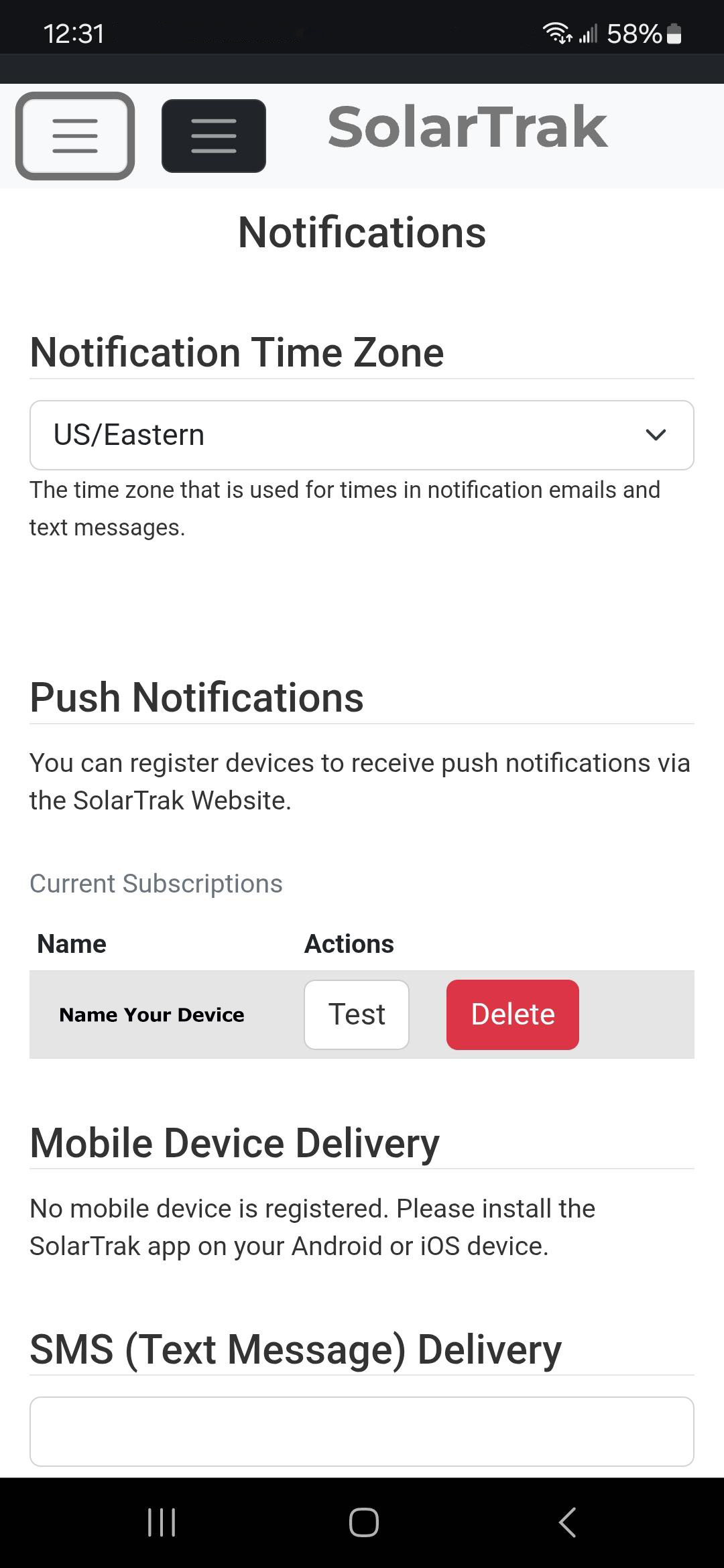 Smartphone View |
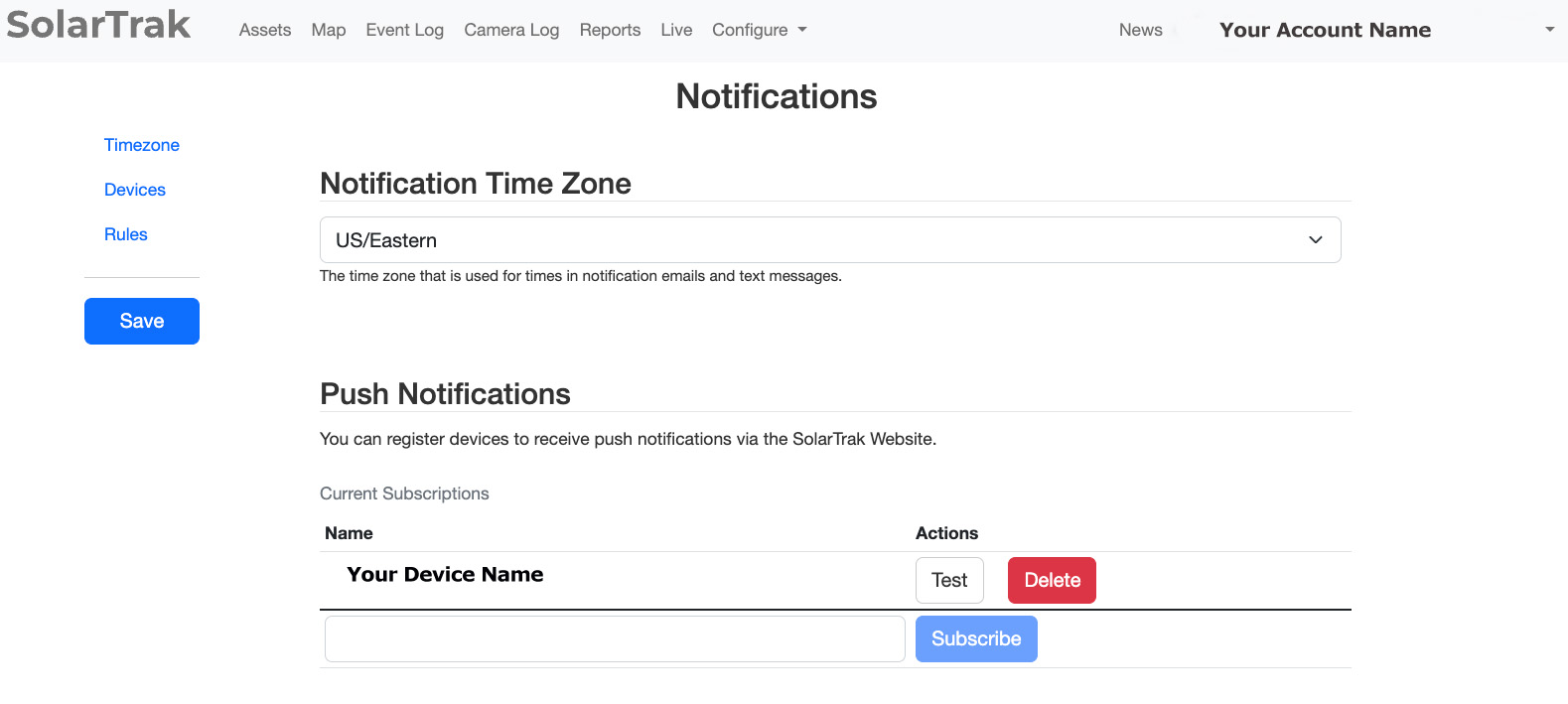 PC View |
** Sorting Improvements**
Find equipment faster – especially when you have multiple locations and/or lots of equipment!
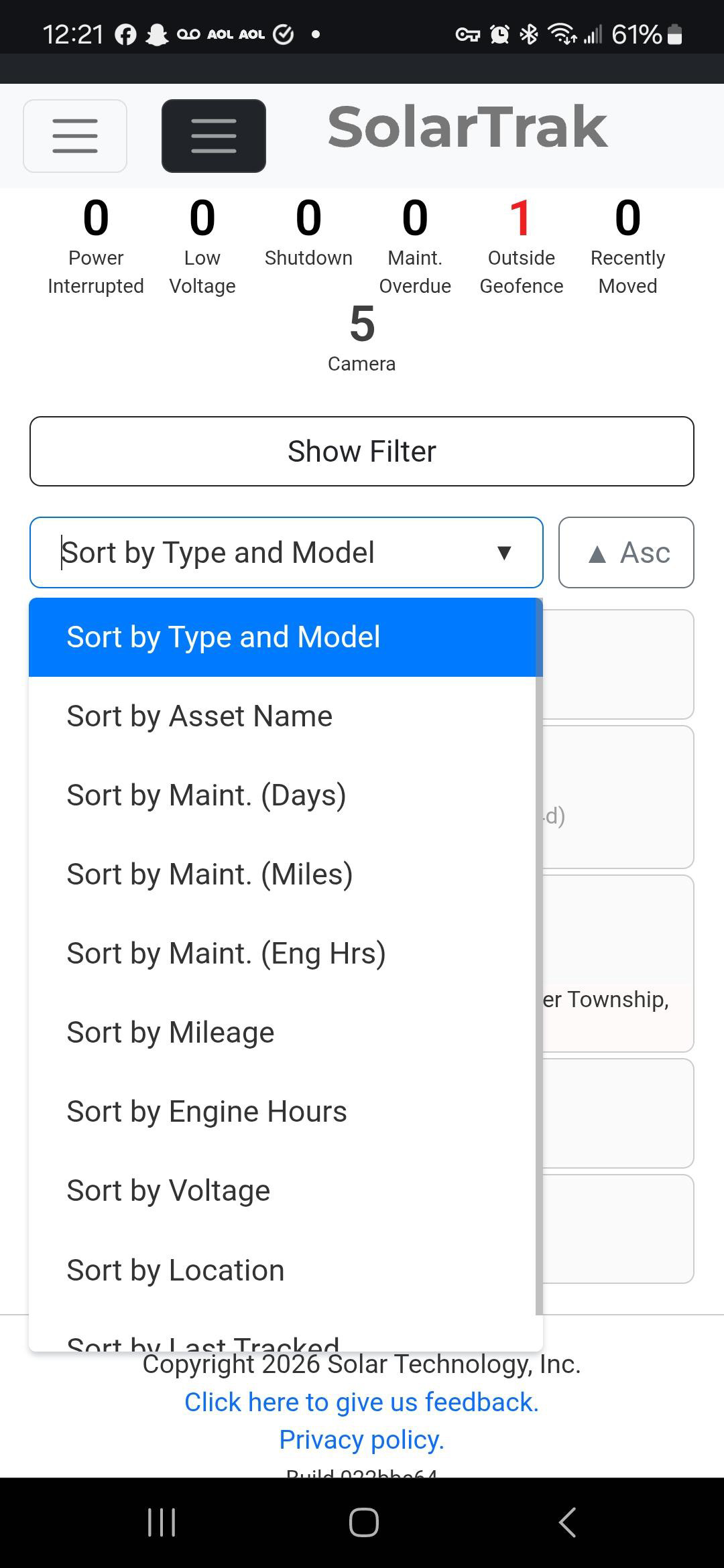 Smartphone View |
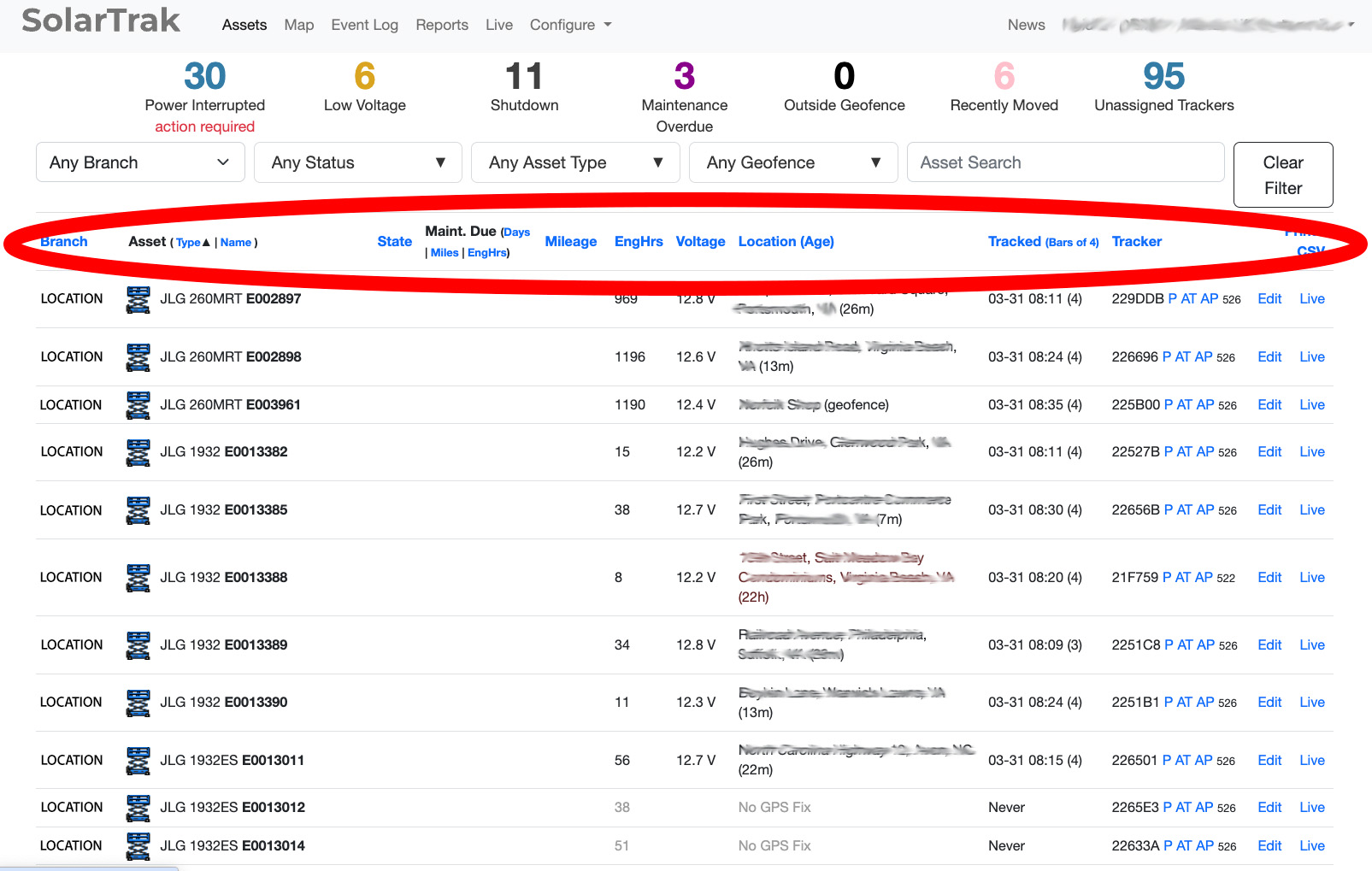 PC View |
**Geofences**
There’s a new “All Geofences” option in the filter that shows every geofence on the map at once (without affecting which assets are filtered).
SolarTrak will now also show geofences instead of the street location, if the geofence is small enough that it’s more informative than the place name. How small? 500 feet – but you can change that on the Organization Settings page. A quick and easy way to see what equipment is located outside of your geofences!
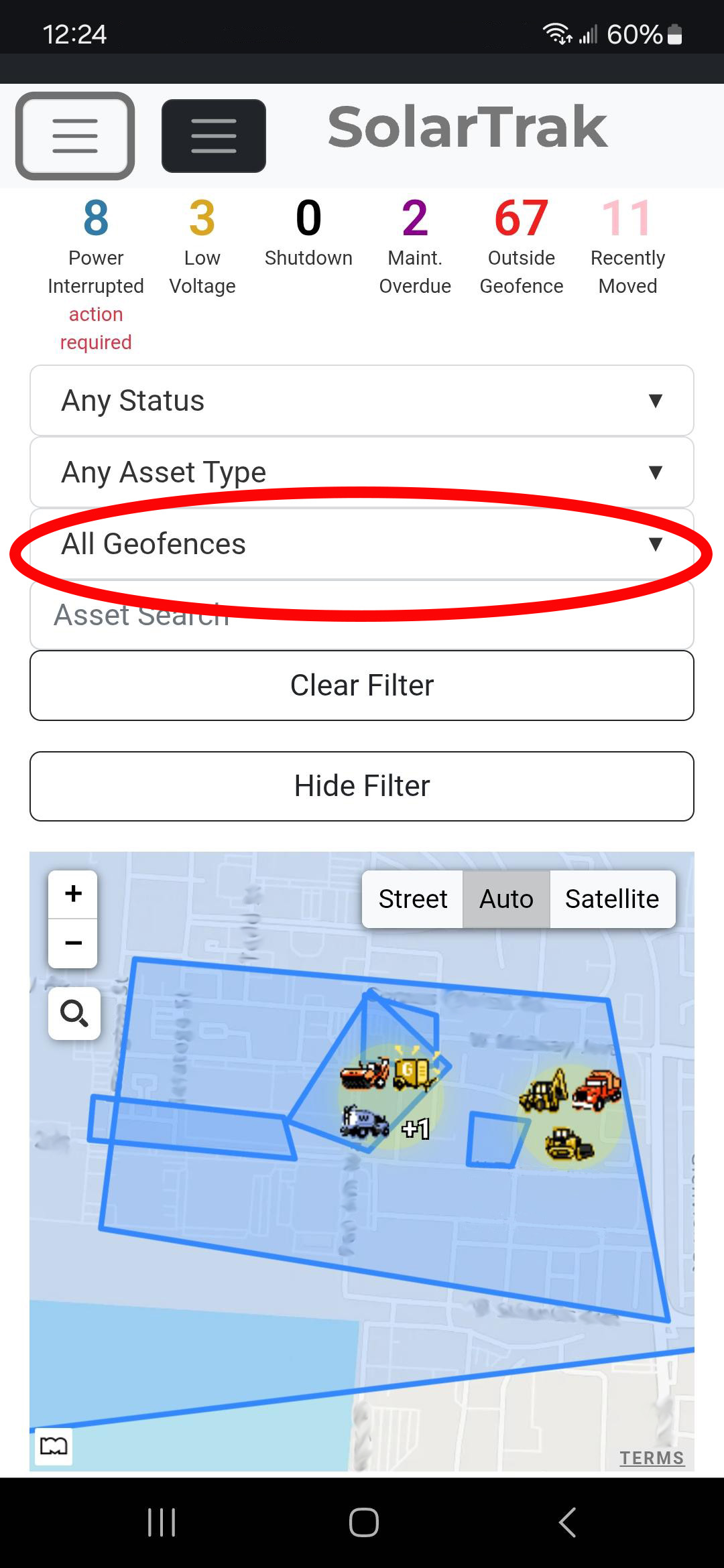 Smartphone View |
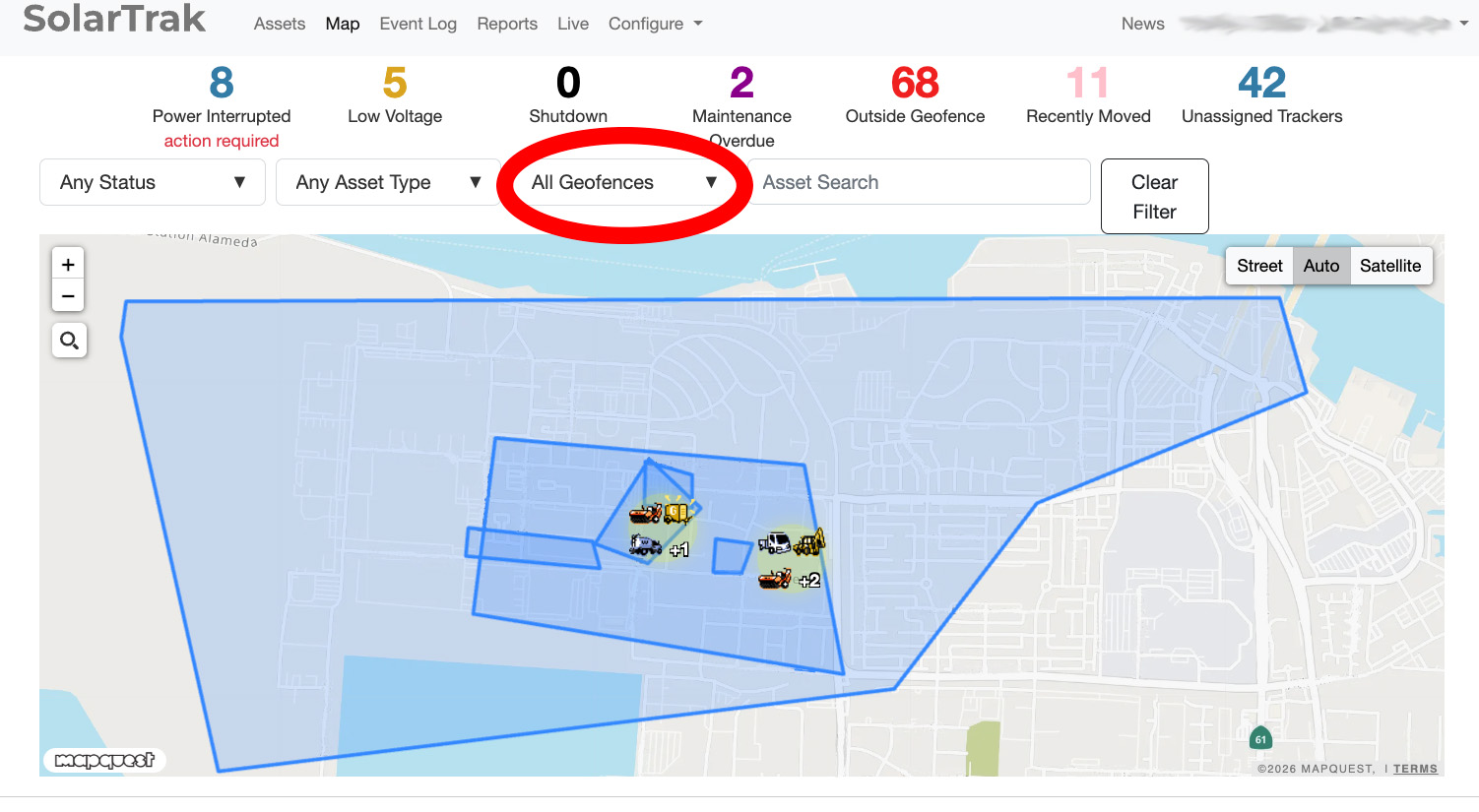 PC View |
**Camera Status Filter**
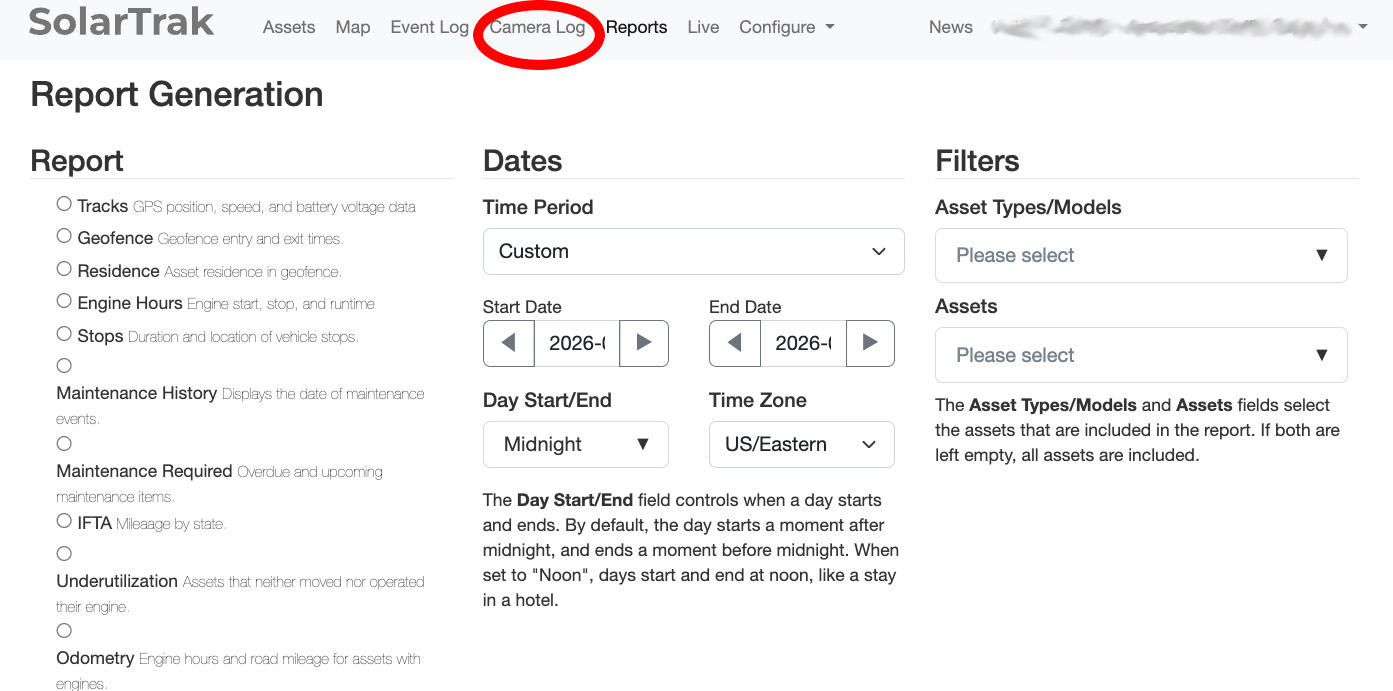
“Camera Log” is now a clickable status in the overview bar, so you can quickly filter to just assets with cameras.
Sort out equipment with cameras with one click!
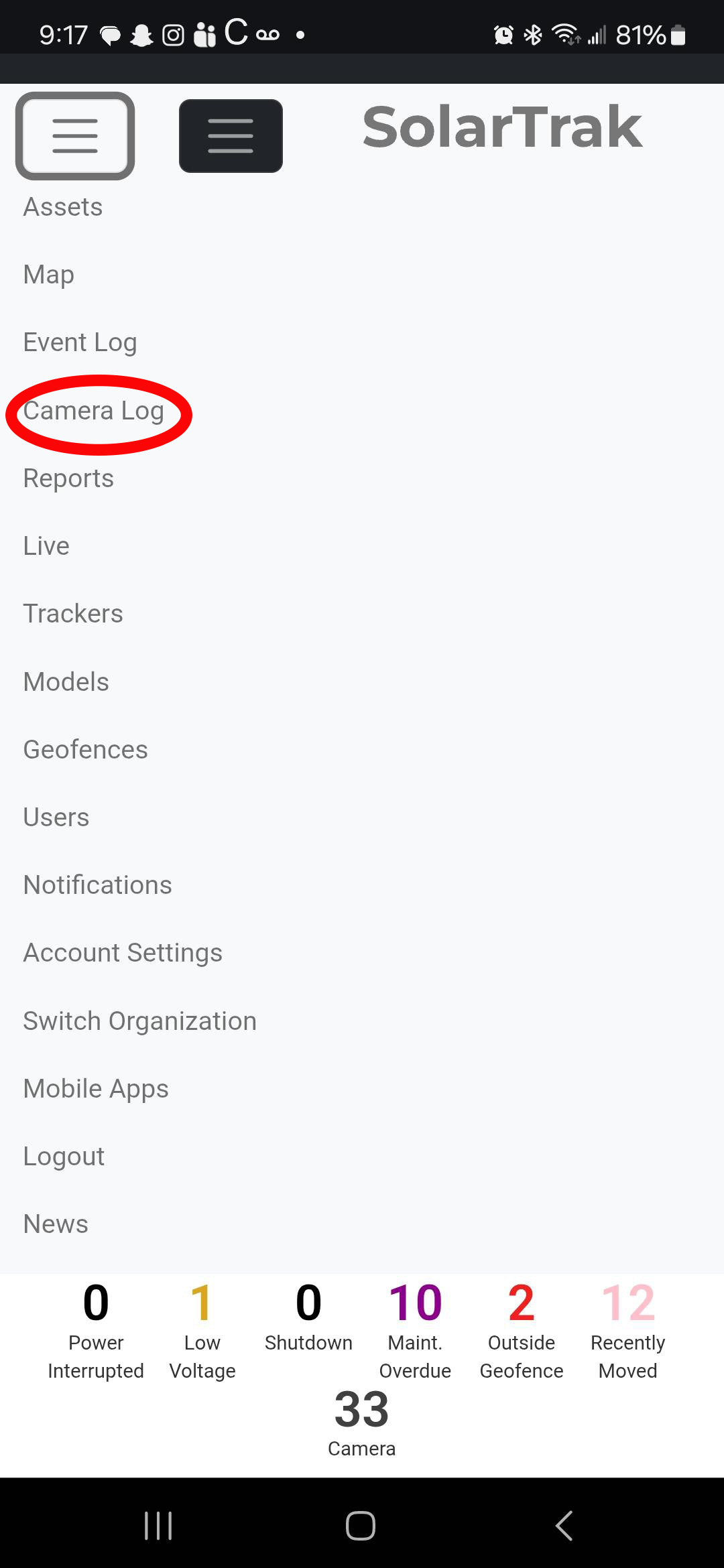 Smartphone View |
 PC View |
We’d like to thank everyone who provides us feedback and suggestions – we read every message and it helps us make SolarTrak better!
Have a suggestion? Let us know–> Feedback Form